


Skip to course content
Reach out to us

Build your career with us

brototye_logo

BROTHER YOU NEVER HAD


Packapeer Academy Pvt Ltd

6 months · Full-time · Online & offline

Social Media Pro

Video Editing, Motion Graphics & AI Content Creation Course

  • 150+ Portfolio Deliverables
  • Weekly mentor feedback

Get details about upcoming batches, learning formats, and fees.

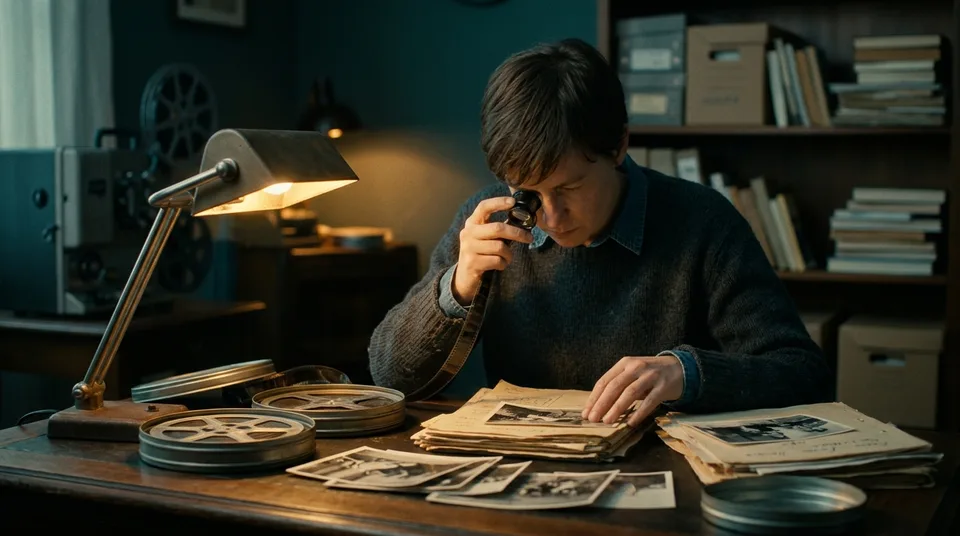
Illustrative documentary project showing a film researcher at an editing desk
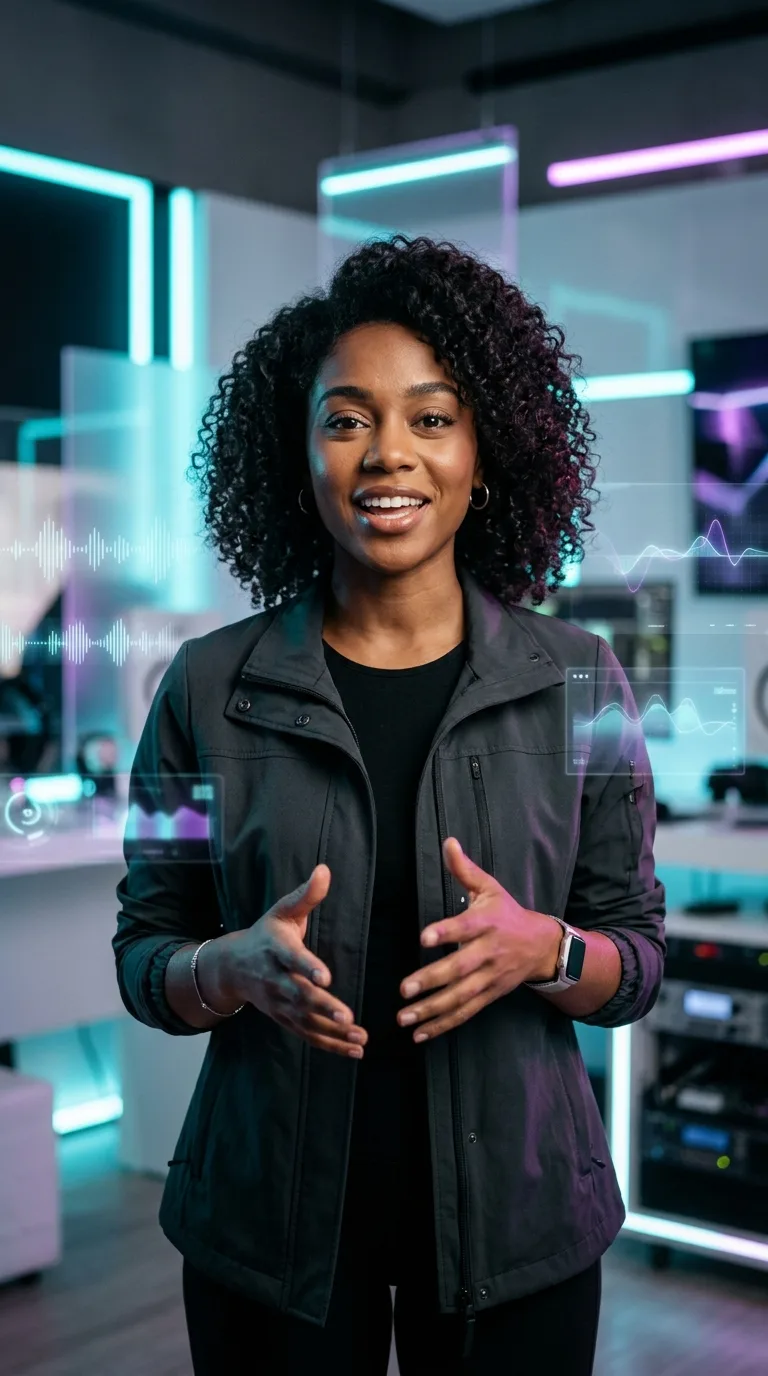
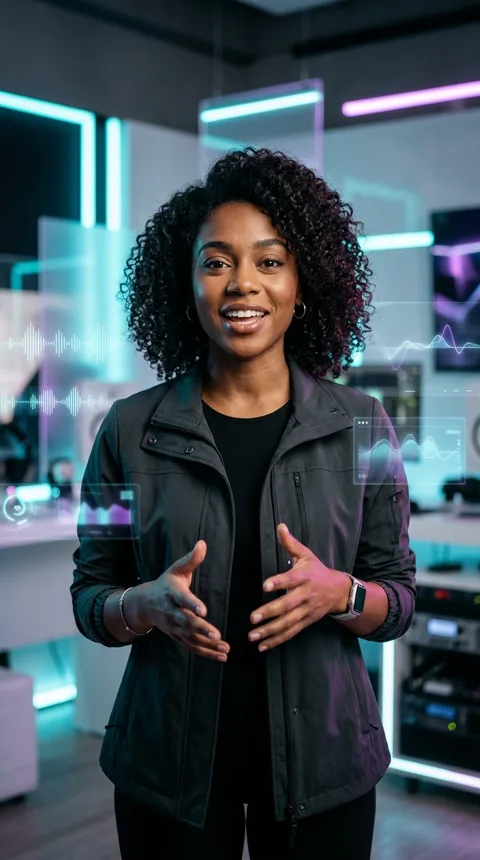
Illustrative AI-assisted presenter project Illustrative commercial advertising project
Explore projects ↗
SCROLL TO EXPLORE

The creative process

An idea.
A timeline.
A whole new world.

Shape the story. Find the rhythm. Give every frame a reason to exist.

01 / Find the story02 / Build the rhythm03 / Make it yours

Make something worth showing

Build Your Creative Portfolio

Create 10 portfolio projects across YouTube videos, AI-assisted content, and commercial ads.

Illustrative youtube videos curriculum project

4 projects

YouTube Videos

Documentary storytelling, multi-camera edits, explainers, and short-form cutdowns.

Explore 4 project briefs
1. Investigative Video Essay (15–20m)
Documentary storytelling pacing, archival b-roll curation, layered audio foley, and thumbnail packaging with A/B title variations.
2. Tech Review & Unboxing Masterclass
Macro camera framing, DaVinci Resolve color grading, dynamic specification callouts, and clean studio audio.
3. Business & Finance Explainer
Kinetic infographic charts, custom lower-thirds, retention hooks, and animated visual metaphors in After Effects.
4. Multi-Cam Studio Podcast & Shorts
45-min multi-cam master edit synchronized with audio multitracks, plus 5 vertical short-form clips with auto-captions.
Illustrative ai-assisted content curriculum project

3 projects

AI-Assisted Content

Explore voice, generated visuals, captions, and presenter workflows.

Explore 3 project briefs
5. Virtual Multilingual Presenter
AI-assisted presenter production with multilingual voiceover workflows using ElevenLabs and Sarwam AI.
6. Faceless Educational Channel Pilot
Documentary narrative production using ChatGPT-assisted scripting, visual planning with Gemini, AI voiceovers, and kinetic subtitles.
7. AI Short-Form Content Package
10 vertical short-form reels with animated captions, AI sound design, and automated b-roll integration.
Illustrative commercial ads curriculum project

3 projects

Commercial Ads

Practice product storytelling, brand films, and short-form advertising.

Explore 3 project briefs
8. D2C E-Commerce Product Ad (9:16 & 1:1)
3 visual hook variations, UGC problem/solution pacing, product feature callouts, and conversion CTA end-cards.
9. Brand Commercial & Manifesto
60-second cinematic commercial featuring custom color grading, sound design, voiceover, and brand storytelling.
10. Commercial UGC Hook Ad Package
5 hook-first UGC video ads formatted for social media ad platforms with dynamic captioning and call-to-action cards.

A creative career starts
with hands-on practice.

For aspiring editors, content creators, and creative beginners who want to turn ideas into finished work.

01 / THE STORY SHAPER

Aspiring editors

Build a foundation in storytelling, editing, sound, and colour.

02 / THE ATTENTION MAKER

Content creators

Bring more intention to your videos, from the opening frame to the final edit.

03 / THE CURIOUS MIND

Creative beginners

Start with the fundamentals and develop your skills through practical assignments.

Learn. Create. Get feedback.
Make it better.

A practical learning loop, with time to develop your work.

  1. 01

    Learn a concept

    Understand the tools and techniques behind an edit.

  2. 02

    Put it into practice

    Apply the concept to an assignment and develop your own approach.

  3. 03

    Review your work

    Use weekly mentor feedback to identify what can improve.

  4. 04

    Refine the result

    Revise the work and carry what you learn into the next project.

26 weeks · Four phases

From your first cut
to your final showreel.

Explore the current weekly outline, from visual fundamentals to portfolio production.

01

Phase 1 / Weeks 1–7

Editing & visual storytelling

Plan, shoot, and assemble a narrative video, from the script to the first cut.

View weekly modules
  1. Week 1: Visual Storytelling & Social Platform Dynamics
  2. Week 2: Photoshop Fundamentals & Custom Thumbnail Packaging
  3. Week 3: Vector Graphics & Brand Identity in Adobe Illustrator
  4. Week 4: Camera Operations, Studio Lighting & Audio Mics
  5. Week 5: Pre-Production, Scripting & Narrative Storyboarding
  6. Week 6: Premiere Pro: Timeline Essentials & Rough Cuts
  7. Week 7: Video Editing: Pacing, J/L Cuts & Transitions
02

Phase 2 / Weeks 8–13

Motion, colour & sound

Build animated titles and refine a video with colour grading and sound design.

View weekly modules
  1. Week 8: Advanced Multicam, Proxies & Speed Ramping in Premiere
  2. Week 9: Color Grading in DaVinci Resolve: S-Log3 to Rec.709
  3. Week 10: After Effects: Keyframe Easing & Velocity Curves
  4. Week 11: Kinetic Typography, Lower Thirds & Title Packs
  5. Week 12: Visual Effects: Green Screen, Tracking & Rotoscoping
  6. Week 13: Sound Design in Adobe Audition: Foley, EQ & Mastering
03

Phase 3 / Weeks 14–19

AI-assisted production

Bring generated visuals, voice, and captions into a creative workflow.

View weekly modules
  1. Week 14: Prompt Engineering & Creative Scriptwriting with ChatGPT
  2. Week 15: Visual Concept Development with Gemini
  3. Week 16: AI Voiceovers & Multilingual Audio (ElevenLabs & Sarwam AI)
  4. Week 17: AI-Assisted B-Roll Planning & Production (Gemini & ChatGPT)
  5. Week 18: Dynamic Auto-Captions & Vertical Video Formatting
  6. Week 19: Building Faceless Automation & AI Avatar Pipelines
04

Phase 4 / Weeks 20–26

Portfolio & presentation

Finish the project briefs, assemble a showreel, and present your creative work.

View weekly modules
  1. Week 20: YouTube Long-Form Package 1 & 2 Delivery
  2. Week 21: YouTube Long-Form Package 3 & 4 Delivery
  3. Week 22: AI Avatar Commercial Series Production
  4. Week 23: D2C E-Commerce Video Ad Campaign Delivery
  5. Week 24: Brand Commercial & Final Capstone Polish
  6. Week 25: Master Showreel Assembly & Portfolio Site
  7. Week 26: Agency Pitching, Client Sprints & Placement

Workflow demonstration

A glimpse into the process.

  1. 01 / Video Editing
  2. 02 / Motion Graphics
  3. 03 / AI Workflow

Give the story a shape.

Plan the story, assemble the shots, and refine the final cut.

Plan Assemble Refine

Plan the story before opening the timeline.

Illustrative documentary project frame

Choose how you learn.

Online and offline formats are listed for this program. Check the available batch and practical arrangements with admissions.

Tools across the curriculum

Editing & Audio

Premiere Pro · DaVinci Resolve · Audition

Design & Motion

Photoshop · Illustrator · After Effects

AI-Assisted Production

ElevenLabs · Gemini · Sarwam AI · ChatGPT

Tool coverage follows the module outline.

Plan your next step

Invest in your creative practice.

Practical curriculum

Four phases spanning editing, motion graphics, sound, colour, and AI-assisted production.

Practice and feedback

Assignments and weekly mentor feedback to help you refine your work.

Portfolio preparation

Develop project deliverables and assemble a showreel to present your skills.

Let’s talk about your goals

Your next story
starts here.

Get details about Social Media Pro, upcoming batches, learning formats, and fees.

+91 7034 395 811 ↗

admissions@brototype.com

Your creative journey

Talk to Admissions

Share your details. We’ll help you find the right batch.

Select your country, then enter your phone number.
Preferred learning mode (optional)

We’ll contact you about the course. Read our Privacy Policy.

Before you hit record

A little more clarity.

Common questions about the program and what to confirm before enrolling.

How long is the course, and what is the schedule?

The current course outline spans 26 weeks (approximately six months), with a full-time Monday–Friday, 9:00 AM–6:00 PM commitment. Confirm the upcoming batch timetable with admissions before enrolling.

Do I need editing experience?

The outline begins with visual storytelling and core editing tools. It is designed for beginners who can commit to regular practice and the full-time schedule.

What will I create?

The portfolio contains ten project briefs: four YouTube video packages, three AI-assisted content projects, and three commercial advertising projects. Explore the briefs above for the deliverables.

How do online and offline learning differ?

Online and offline formats are listed for this program. Confirm the available location, teaching language, session format, and review arrangements for your chosen batch with admissions.

Which tools are covered?

The current outline includes Premiere Pro, Photoshop, Illustrator, After Effects, DaVinci Resolve, Audition, and AI-assisted workflows using ElevenLabs, Gemini, Sarwam AI, and ChatGPT. Coverage varies by module; inclusion does not imply advanced training in every product.

What computer and software will I need?

Ask admissions for the current computer specifications, software licence costs, and any equipment arrangements before making purchases. Software subscriptions and studio equipment access are not confirmed as part of the fee on this page.

What are the certification requirements?

Ask admissions for the approved completion requirements and any separate assessment, awarding body, eligibility conditions, or assessment fees. External certification is not confirmed on this page.

Does the course guarantee a job?

No job or salary guarantee is made on this page. The curriculum includes portfolio and showreel preparation. Confirm the exact placement-assistance services and eligibility conditions with admissions.

YOUR IDEAS DESERVE A FRAME.MAKE YOUR
NEXT MOVE.
Explore the project briefs ↑
BROTOTYPE / SOCIAL MEDIA PROSTORY. SOUND. MOTION.

Social Media Pro

Talk to Admissions

Get help choosing your batch and learning format.

Select your country, then enter your phone number.
Preferred learning mode (optional)

We’ll contact you about the course. Read our Privacy Policy.

Social Media Pro

Download Syllabus

Select your country, then enter your phone number.

The downloadable syllabus is not available yet. Please contact admissions for the current course details. This form will be enabled when the approved PDF is available.

A download link appears after your request is confirmed. Read our Privacy Policy.